01 · Brief
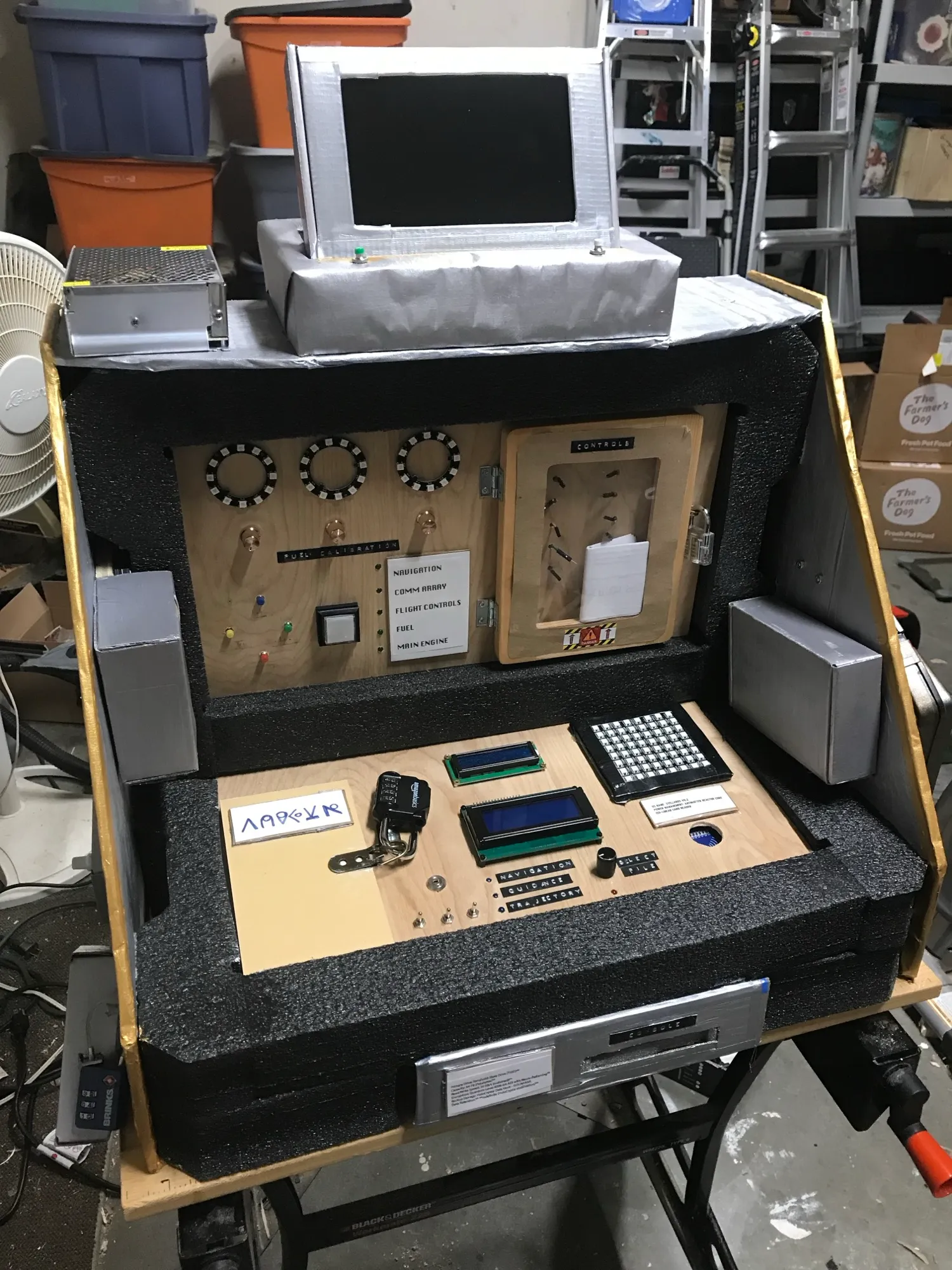
Launch the Ship is a portable escape room built for family, friends, and co-workers. The theme of the game is centered around a ship on an alien planet. The players are “lower decks” crew members who come on duty to discover the ship offline and everyone else missing. Players discover they have one hour to get everything working and launch before a massive storm hits. The players work through a chain of games to gain access to the ship’s controls, authenticate, load navigation data, calibrate fuel, repair the control panel wiring, send a distress signal, and finally enter the launch code on the screen.
This was a learning project. The point was hands-on time programming Arduinos against a range of sensors, inputs, and outputs, with a fun result I could share. One goal was to spend as little money as possible. There was no 3D printer, so every enclosure and prop came from junk in the garage, and the case is packing foam from a computer delivery plus cardboard. Because this was the first time I worked with many of these sensors I relied heavily on example code I found online. Some of the sketches are frankenstein like assemblies of code I found and code I wrote. A special shout-out to the “Playful Technology” youtube channel which inspired the game in the first place. The floppy disk idea and code was taken directly from that channel.
A Raspberry Pi with a small HDMI monitor is the brain. Most games run standalone on their own board and hand the player a code or pop a maglock. Two of them talk to the Pi over USB serial, and the Pi runs the final launch sequence in pygame. The whole thing stays offline with no wifi.
The hardest part was not the wiring. It was designing the game flow and content, and managing a chain of hand-offs between devices that could never talk to a network.
02 · Detail sheets
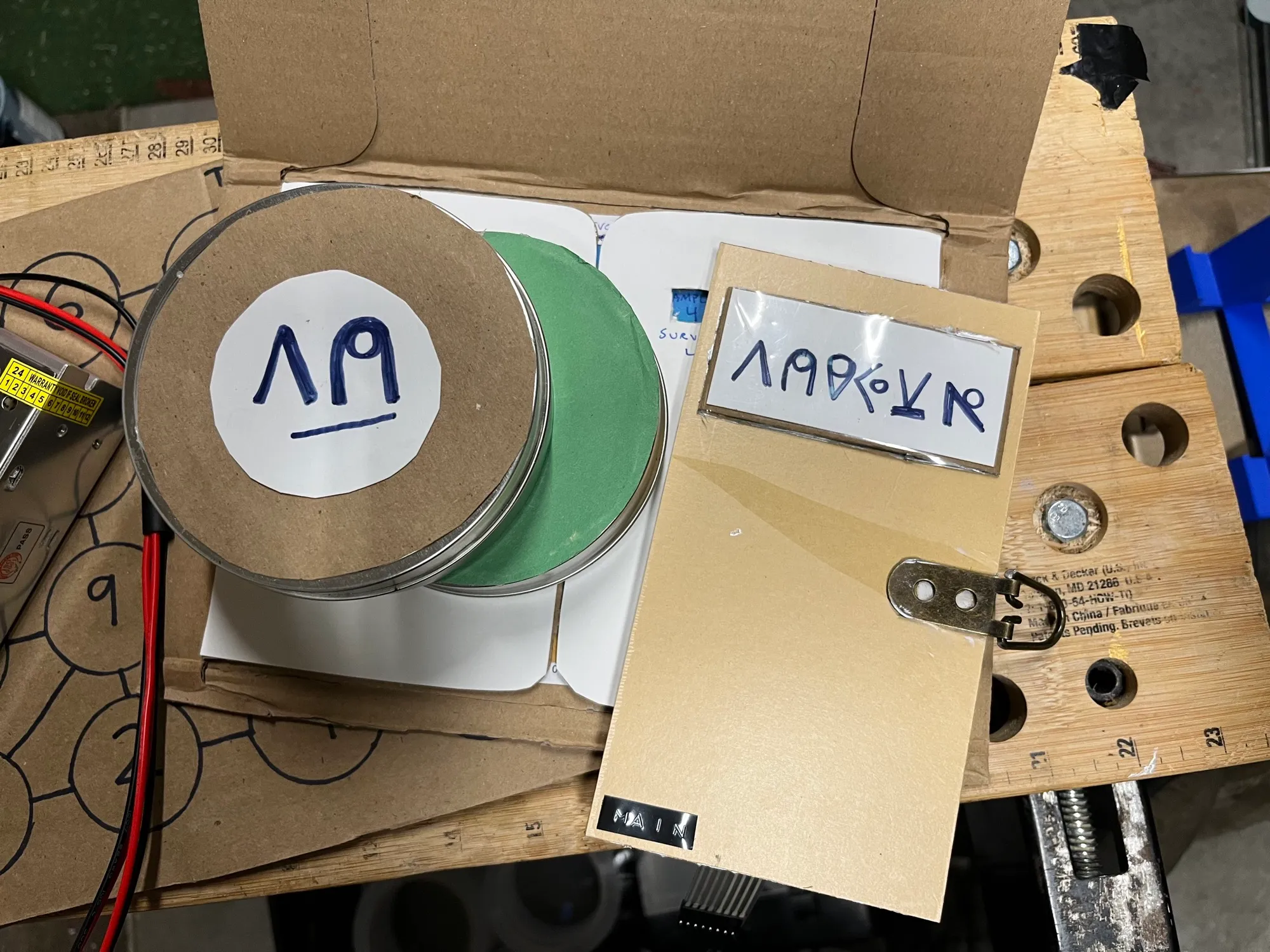 ALIEN ARTIFACTSColour-coded canisters open the control panel
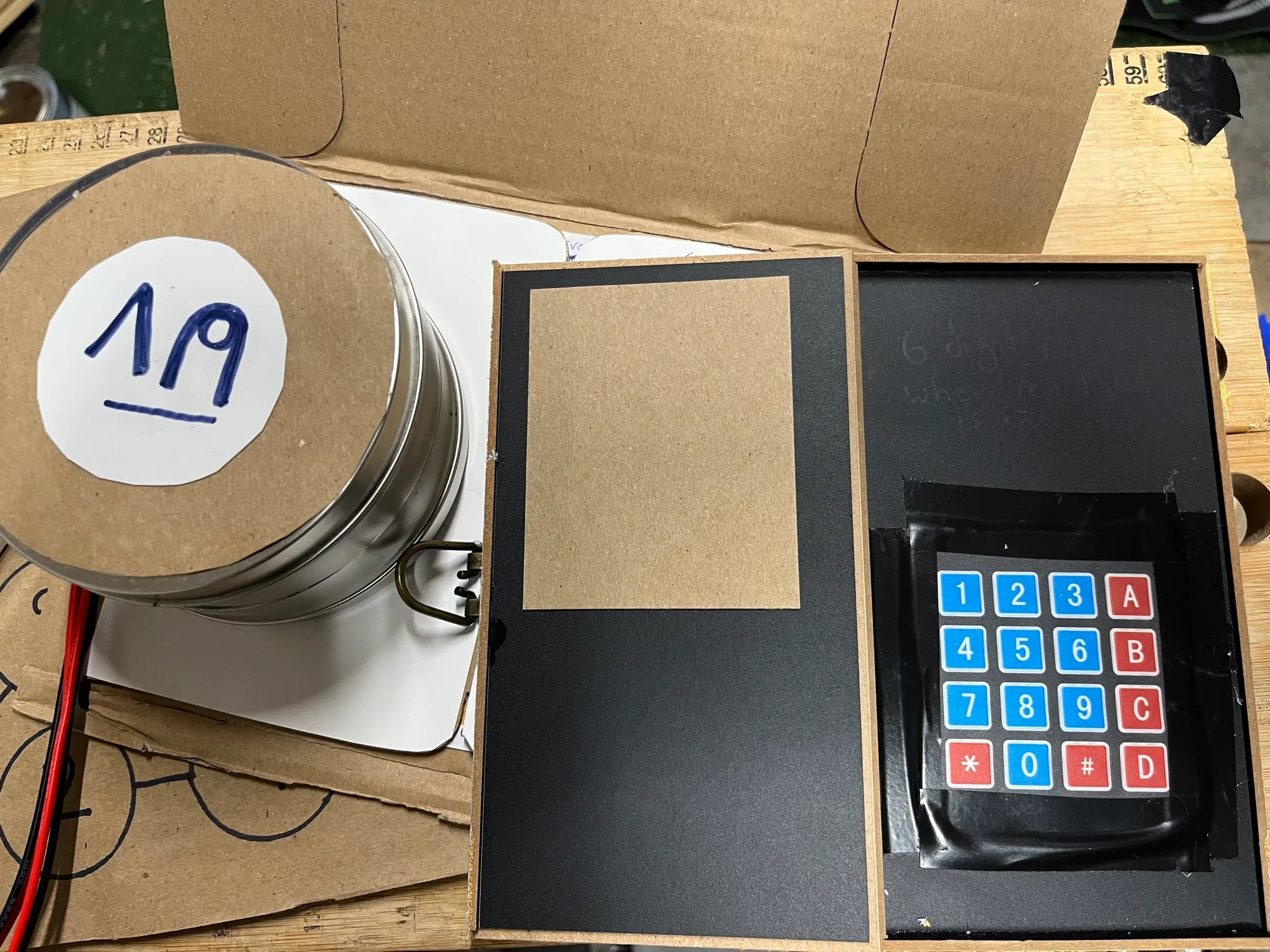 AUTHENTICATE CONTROLSUV toggles, a password, and the first maglock
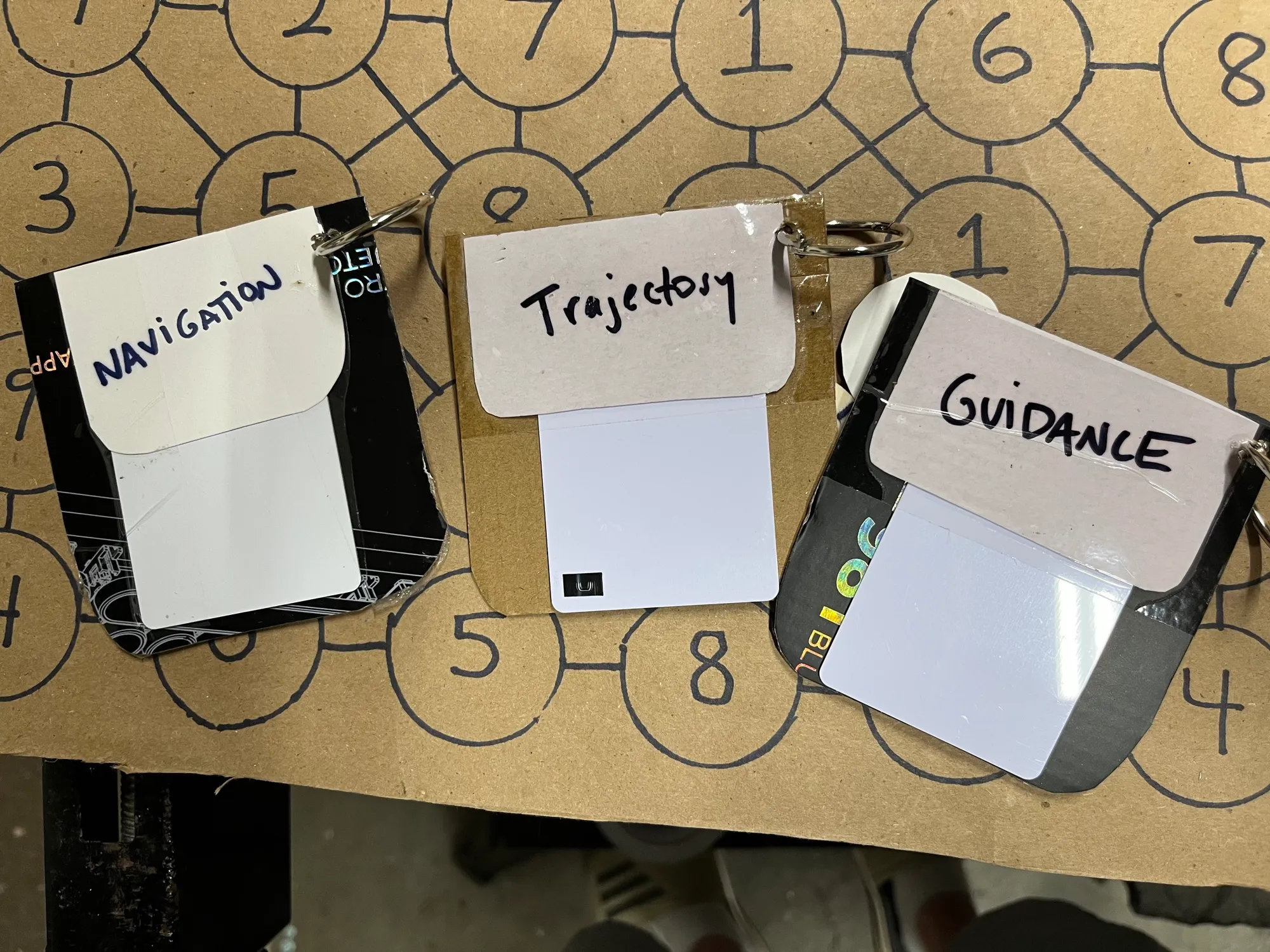 NAVIGATION DATAThree cardboard floppies, three files, one success code
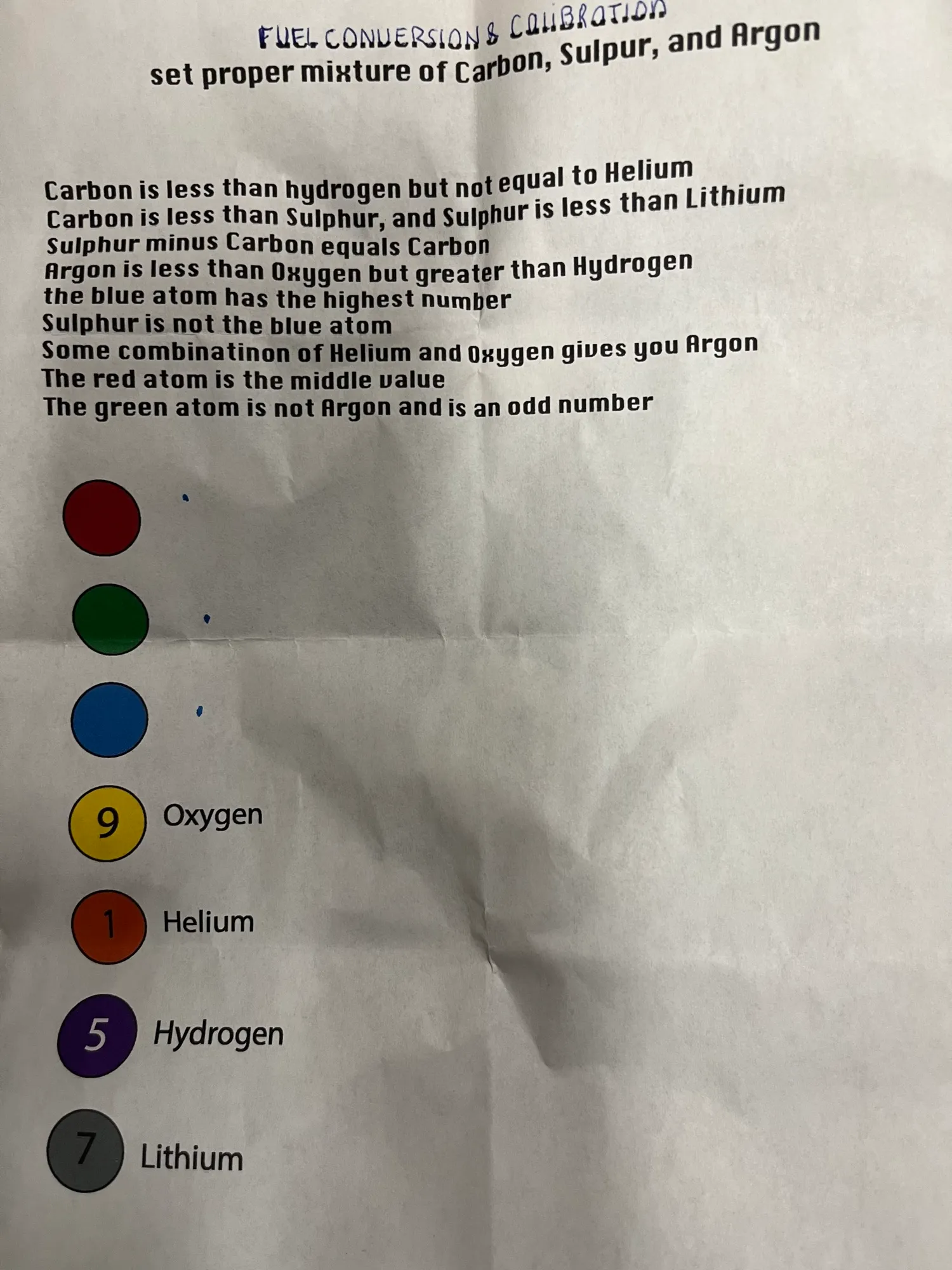 CALIBRATE FUELThree pots, three rings, and the second maglock
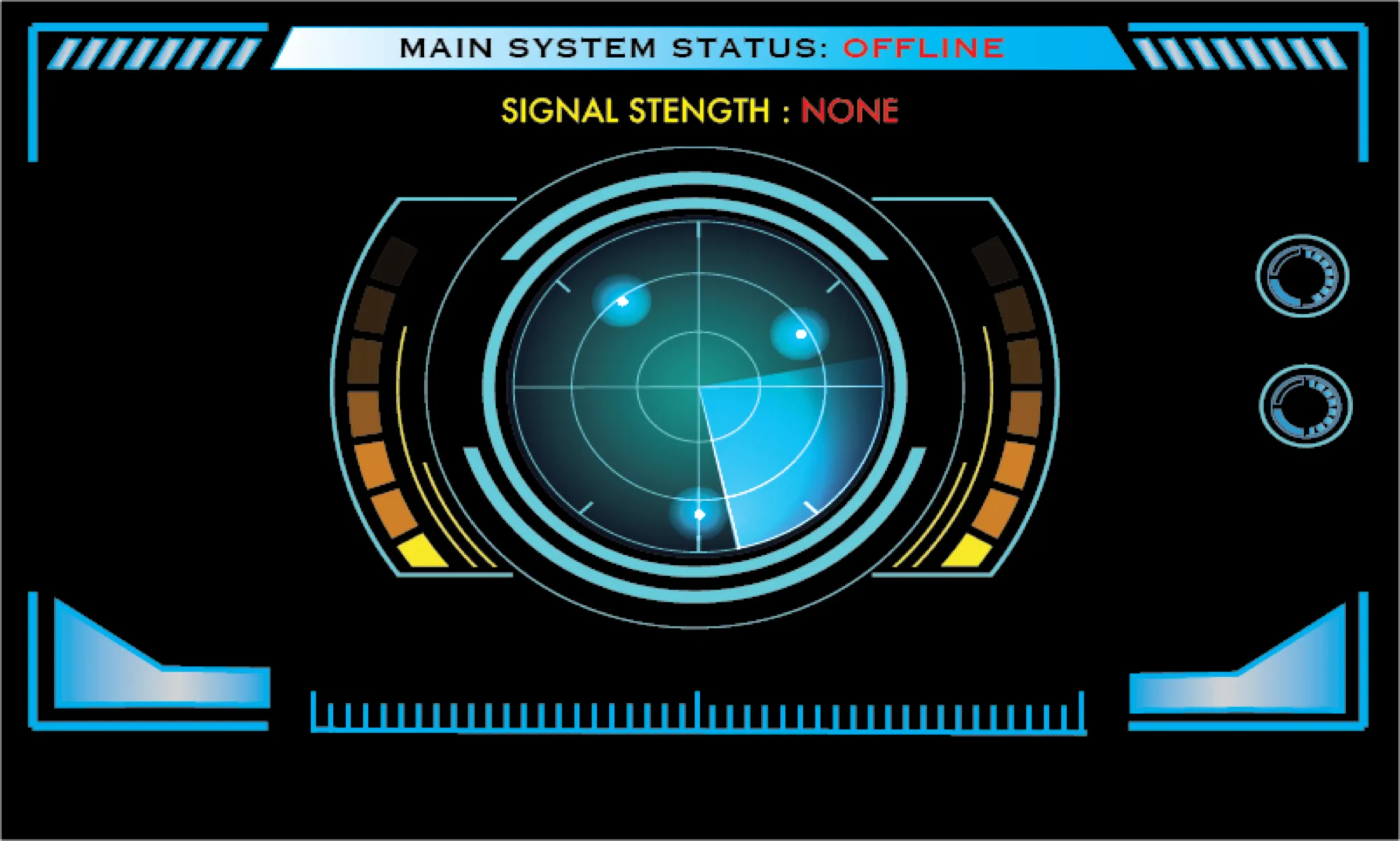 PANEL WIRINGSchematic cards, a NeoPixel matrix, and the first serial hand-off
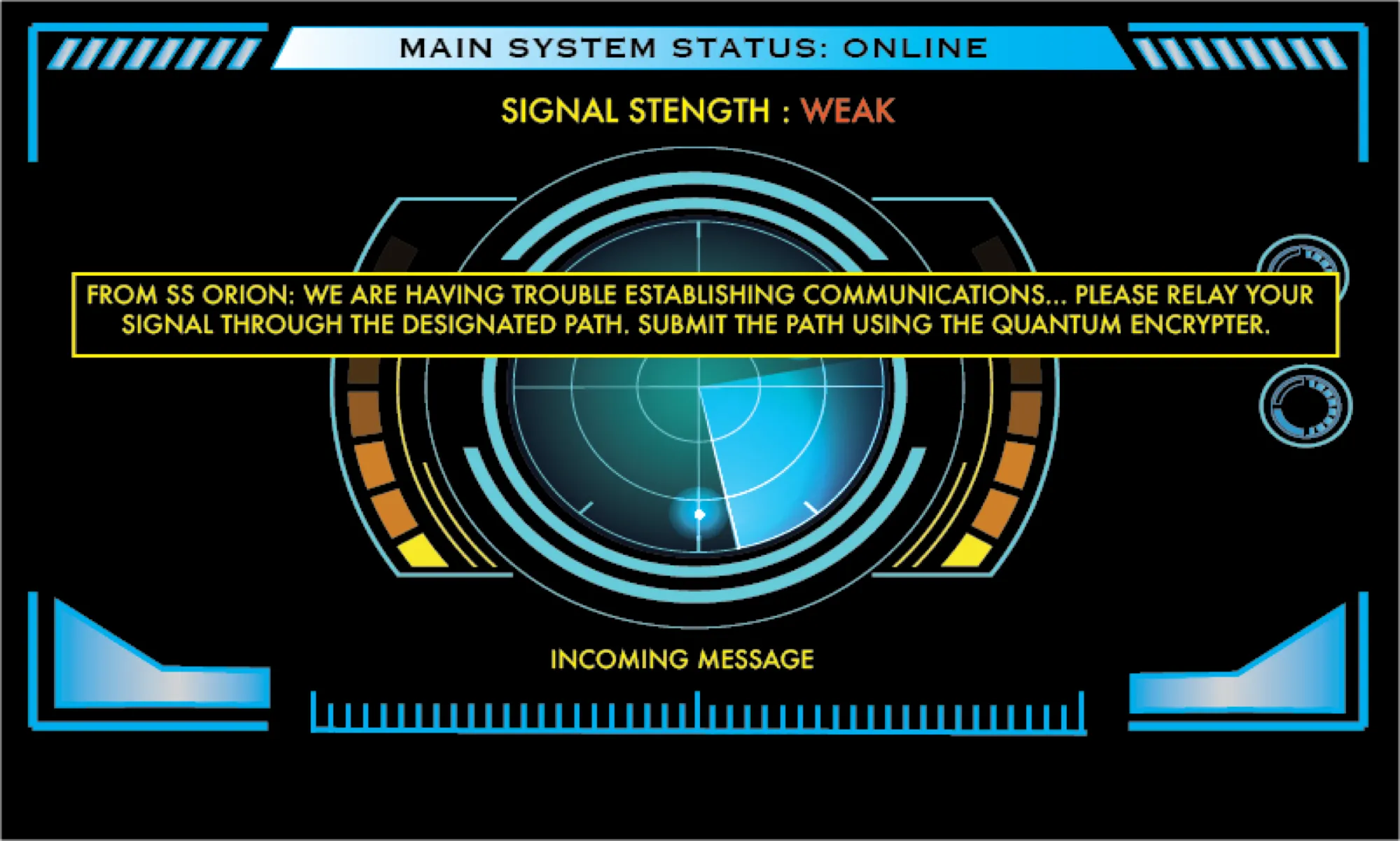 DISTRESS SIGNALRoute the call through the relay stations
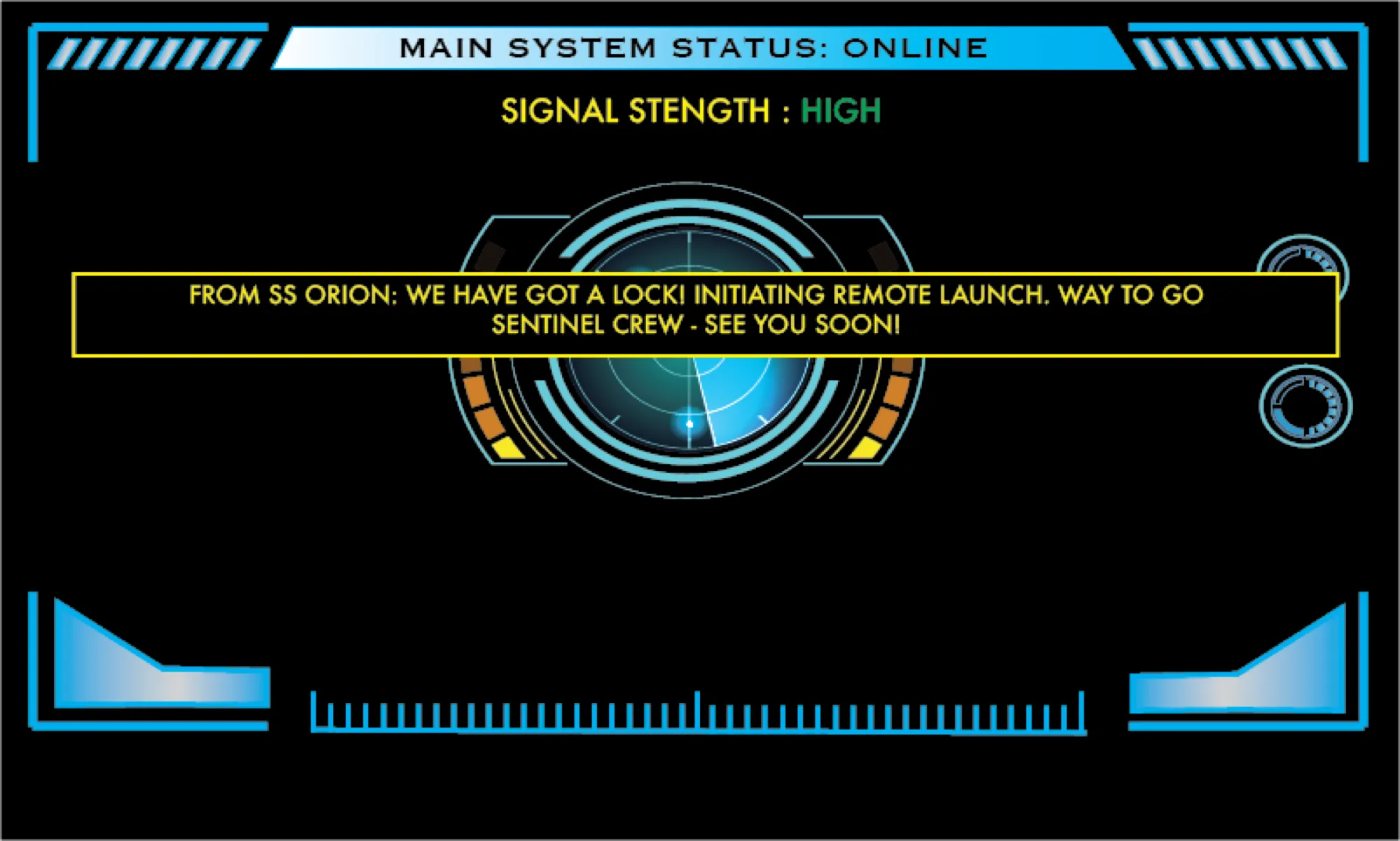 LAUNCH COMMANDType the code, launch the ship
03 · System
04 · Equipment schedule
| TAG | ROLE | HARDWARE | LOCATION |
|---|---|---|---|
| BRAIN | session control · serial hub | Raspberry Pi 4 · 7" HDMI | Pi case, top of game |
| D | alien artifacts | Nano · colour sensor · OLED | separate case beside game |
| E | authenticate controls | Mega · keypad · toggles · LCD · relay | bottom panel, left |
| F | load navigation data | Uno · RFID · 20×4 LCD · LEDs | bottom panel, middle |
| G | calibrate fuel | Uno · pots · NeoPixel rings · relay | top panel, left upper |
| H | control panel wiring | Uno · RFID · NeoPixel matrix + Nano · serial | top panel, right |
| I | distress signal | Nano · 4 buttons · serial | top panel, left lower |
| J | launch command | Pi · pygame · keyboard | keyboard and HDMI screen |
05 · Lessons
Designing the game flow and content took longer than building any of the hardware.
Keeping everything offline means every hand-off between devices has to be designed on purpose.
Junk from the garage and packing foam were enough. No 3D printer available.